|
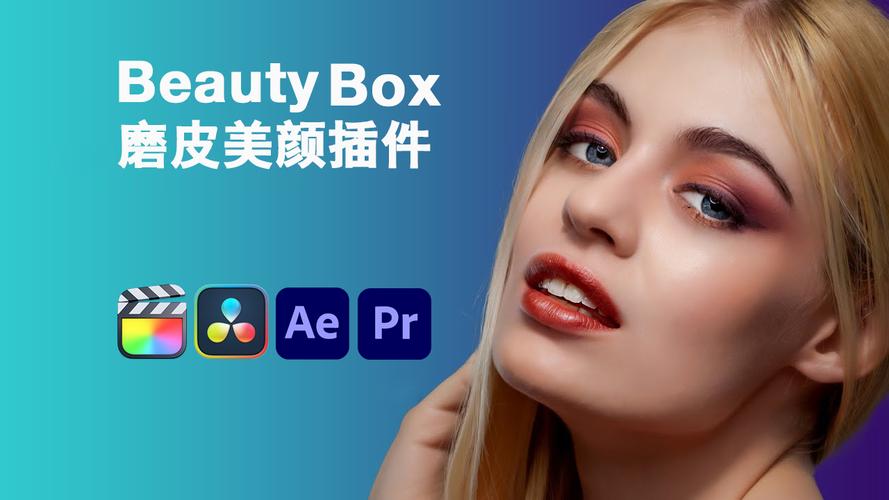
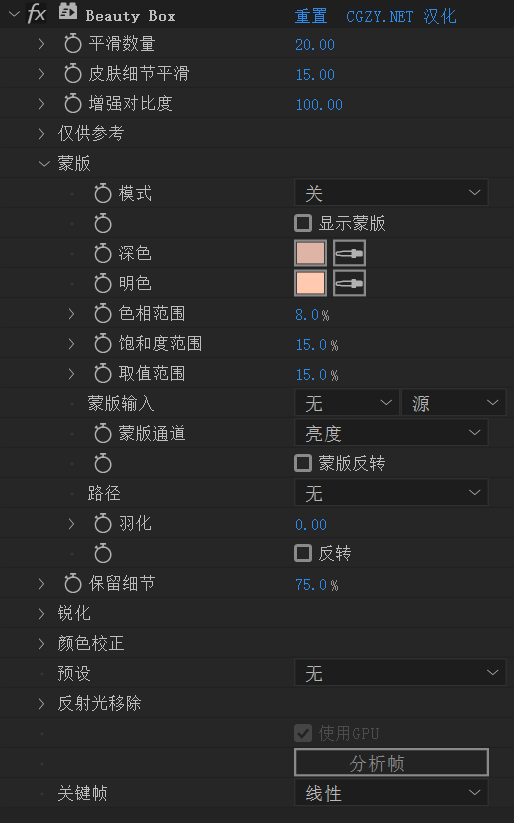
提供的是Beauty Box Video 6.0 Win中文汉化版插件是一款专业强大的降噪磨皮插件工具。Beauty Box插件官方版适用于After Effect和Premiere Pro软件,能够对皮肤进行平滑和修饰。Beauty Box插件涵盖了数十种视觉效果和色彩修正工具,自动识别调整,实现一键高质量图片处理。插件支持GPU,还提供大量预设,可供选择使用。 The Beauty Box Video skin retouching plugin acts as digital makeup in post-production by incorporating state-of-the-art face and skin detection and smoothing algorithms. It takes the edge off of skin and makeup problems that can be visible with HD and 4K video. Realistically and quickly applying digital makeup that makes your talent look great, without making them look airbrushed or blurry. Making for happy talent and producers. 支持Win系统:
AE CC 2015, 2017, CC 2018, CC 2019, 2020, 2021, 2022, 2023, 2024, 2025
PR CC 2015, 2017, CC 2018, CC 2019, 2020, 2021, 2022, 2023, 2024, 2025 安装方法1.安装插件包Beauty Box OpenFX.exe,默认路径安装:
C:\Program Files\Common Files\OFX\Plugins\Digital Anarchy\Beauty Box OFX \Beauty Box.ofx.bundle\Contents\Win64  2.安装完,复制Crack文件夹的Beauty Box.ofx文件到以下路径替换原文件:
C:\Program Files\Adobe\Common\Plug-ins\7.0\MediaCore\Digital Anarchy\Beauty Box AE  3.打开AE/PR软件,添加插件,使用下面的信息注册插件:
Name:Alien Life Form
Organization:Team V.R
Serial Number:44C2BEC9F0A8647922EB7D7C-F2A0
|